How to Add a Business Card to Apple Wallet and Google Wallet
Key Takeaways
- You can add a digital business card to Apple Wallet or Google Wallet so it's always on your phone
- MagicLink is one of the few platforms that supports both Apple Wallet and Google Wallet
- Once added, your wallet card links directly to your MagicLink profile — anyone can scan it or tap to view your info
- No app installation is required for the person receiving your card
Why Add Your Business Card to a Digital Wallet?
Think about the last time you handed someone a paper business card. Did they keep it? Probably not.
Now think about your phone — it's always in your pocket. Adding your business card to Apple Wallet or Google Wallet means your contact info is always accessible, never lost, and ready to share in seconds. No fumbling through pockets, no running out of cards at a conference.
A wallet card also looks professional. When you open it, the other person sees a clean, branded card with your info and a QR code they can scan instantly.
What Is a Wallet Business Card?
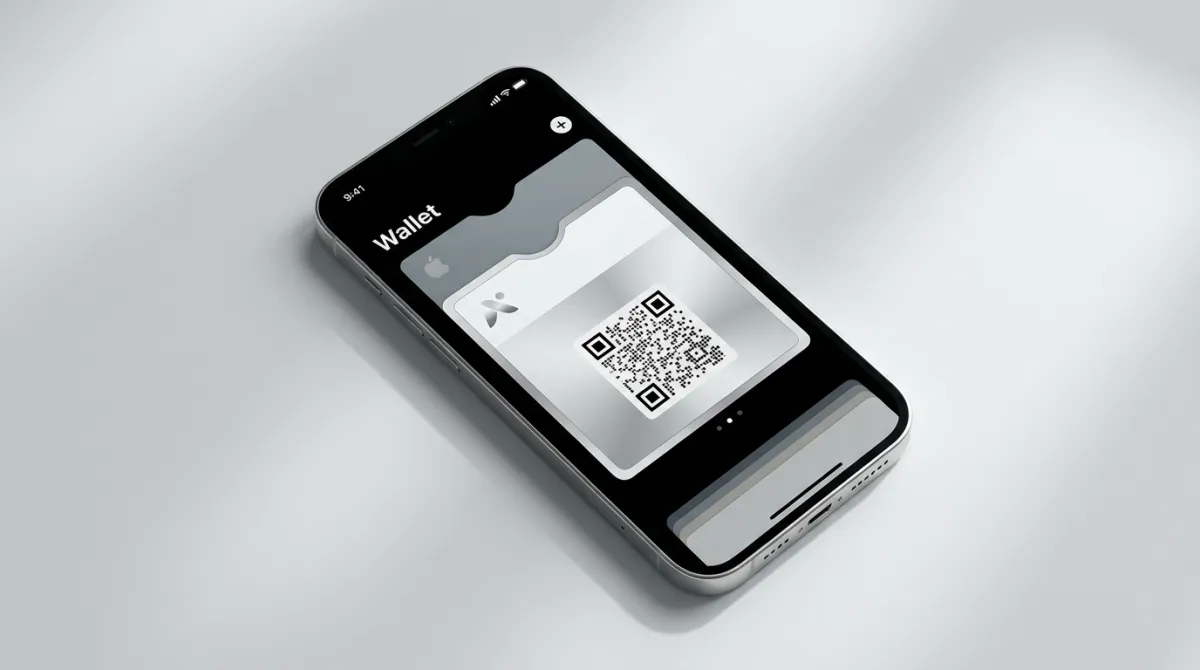
A wallet business card is a digital card — similar to a boarding pass or event ticket — that lives in your phone's native wallet app. It contains:
- Your name and title
- A link to your full MagicLink profile
- A QR code that others can scan to view your profile or save your contact
The card works offline (the QR code is always visible), and tapping it opens your full profile with all your links, contact details, and social media.
How to Add Your Business Card to Apple or Google Wallet with MagicLink
Step 1: Create your MagicLink profile
Sign up at magiclink.az and set up your profile page. Add your name, photo, contact information, social links, and any buttons or content you want.
Step 2: Generate your wallet card
In your MagicLink dashboard, navigate to the Apple & Google Wallet section. MagicLink supports both Apple Wallet and Google Wallet — choose the one that matches your phone.
Step 3: Add to your wallet
- iPhone users: Tap "Add to Apple Wallet" and the card is saved to your Wallet app
- Android users: Tap "Add to Google Wallet" and the card is saved to your Google Wallet
That's it. Your digital business card is now always on your phone.
Step 4: Share it
When you meet someone:
- Open your wallet app
- Show your business card
- They scan the QR code with their phone camera
- Your full MagicLink profile opens — they can save your contact, view your links, or follow your social media
Why MagicLink for Wallet Cards?
Most link-in-bio and digital business card platforms don't support adding cards to your wallet at all. Some support Apple Wallet only. MagicLink is one of the few platforms that supports both Apple Wallet and Google Wallet, which means you can share your card with anyone regardless of what phone they use.
Your wallet card is linked to your MagicLink profile, so when you update your info (new phone number, new job title, new links), the profile your QR code points to is always current. No need to regenerate the card.
Frequently Asked Questions
Do I need to install an app? No. Apple Wallet and Google Wallet are built into every iPhone and Android phone. The person scanning your QR code doesn't need any app either — their phone camera opens the link directly.
What if I change my contact information? Your wallet card's QR code links to your MagicLink profile. Update your profile, and anyone who scans the code will see the latest information.
Can I use wallet cards for my company? Yes. MagicLink works for both personal and company profiles. You can create a company page and generate a wallet card for it.
Is it free? MagicLink offers wallet card generation as part of its feature set. Check the current pricing at magiclink.az for details on which plans include wallet cards.
The Bottom Line
Adding your business card to Apple Wallet or Google Wallet is one of the simplest upgrades you can make to your professional networking. It takes minutes to set up, costs nothing extra in phone storage, and makes you look modern and prepared.
With MagicLink, you get both Apple and Google Wallet support, a fully customizable profile behind the card, and the ability to update your info anytime without regenerating it.